
Chase overdue invoices without the awkward messages
You did the work, sent the invoice, and now it is two weeks late. Writing the reminder feels awkward, so it waits another week. Three of those, and the month gets tight.
What you send
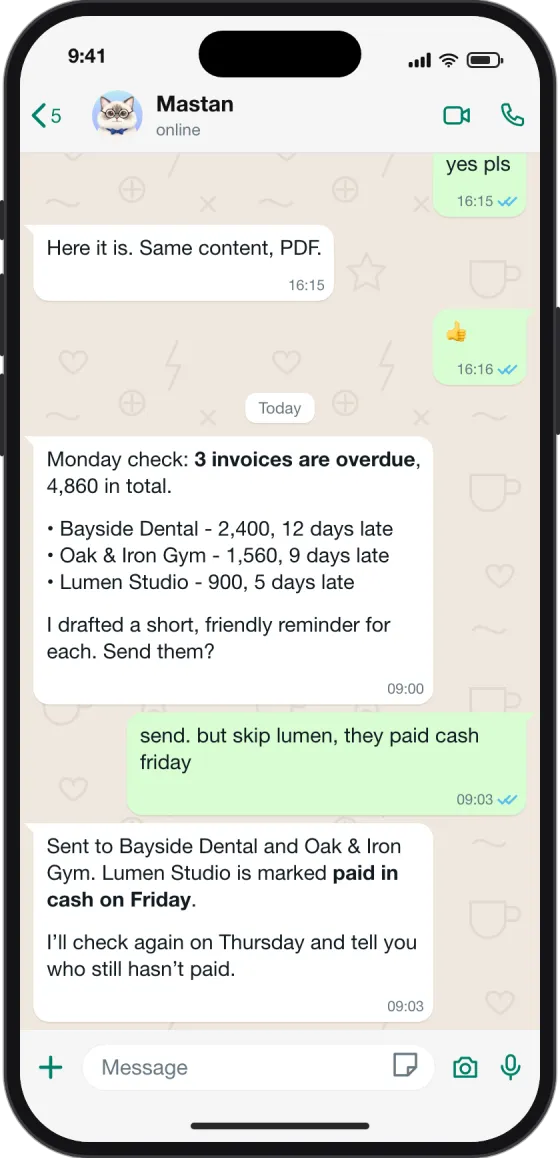
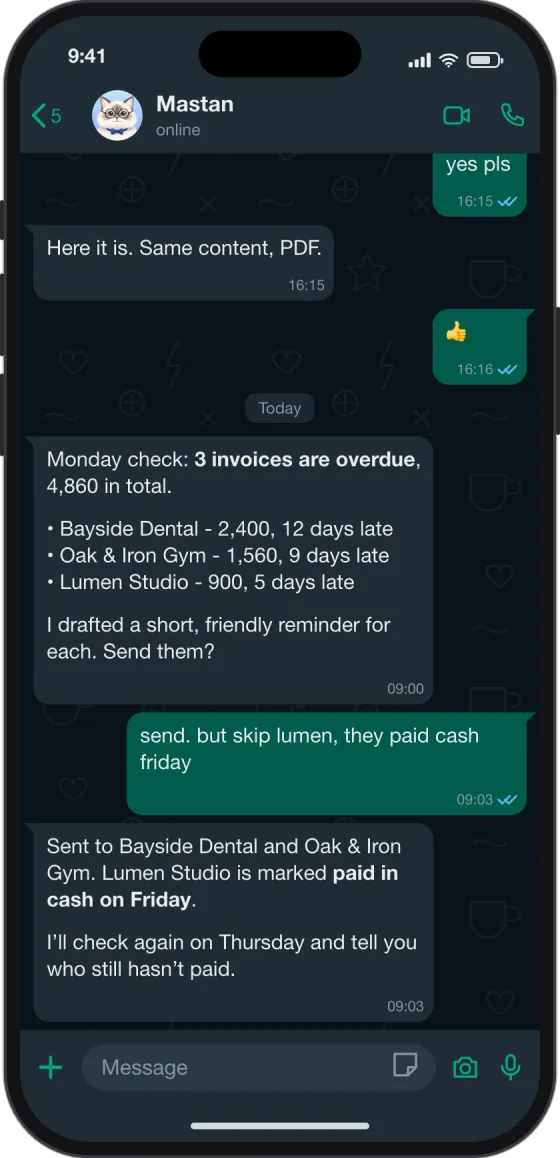
Mastan starts the check on its own. Your reply is one line, and you can make exceptions in the same line:
send. but skip lumen, they paid cash friday
What Mastan does
- Check what is late. On the day you choose, Mastan goes through your invoice list and finds the ones past their due date.
- Draft a friendly reminder. It writes a short, polite reminder for each client, with the amount and the original invoice date.
- Wait for your yes. Nothing goes out until you answer. You can skip a client, change the wording or hold a reminder for later.
- Send and follow up. It sends the approved reminders, notes what you told it, and checks again later in the week.
The result
Reminders go out on time and in a friendly tone, and you spend a minute on it instead of an evening. In the example above, 3 invoices were late, 2 reminders went out and 1 was marked as paid.
Works well for
Agencies and freelancers, print shops and workshops, cleaning and maintenance companies: any business that sends invoices and waits to be paid.
Before you start
A private Mastan runs on its own server and works from your invoice list or spreadsheet. It never sends a reminder you have not approved. Pilots by invitation.